|
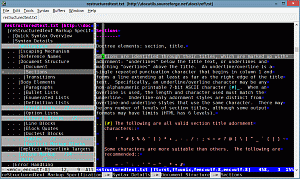
The command
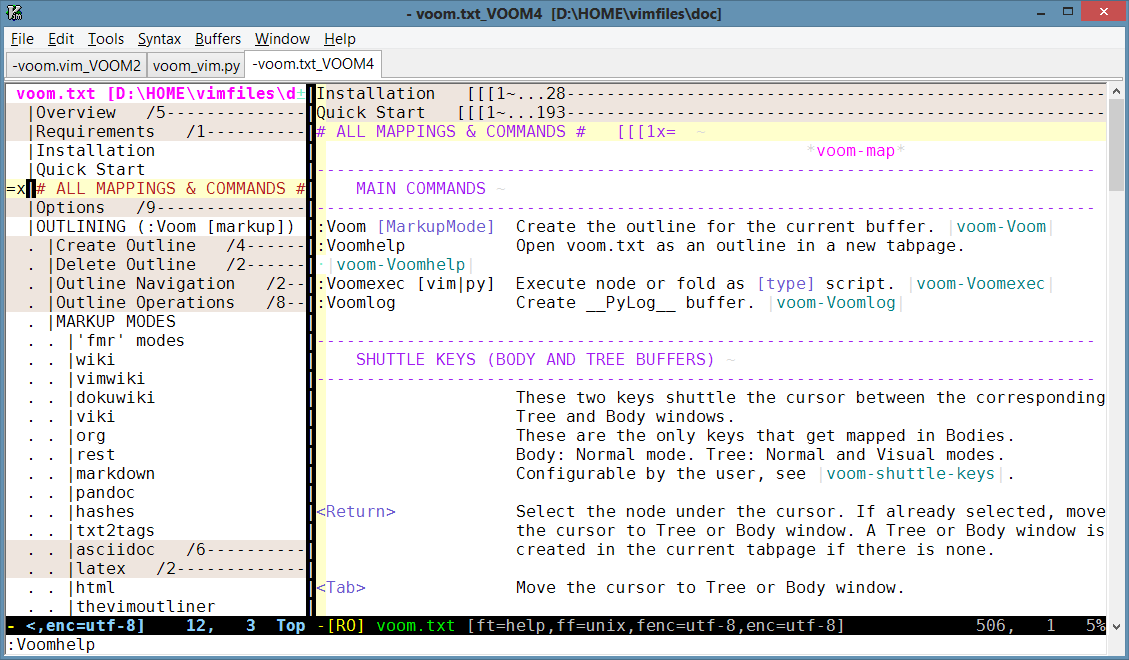
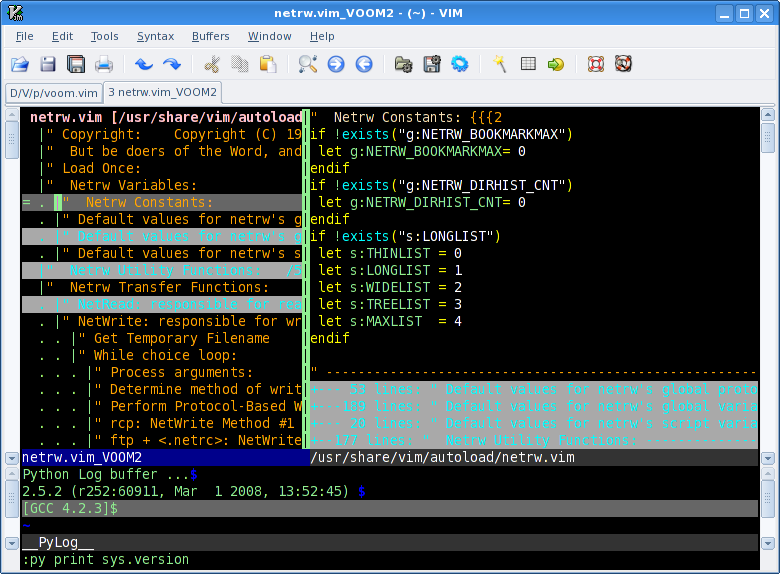
:Voom rest
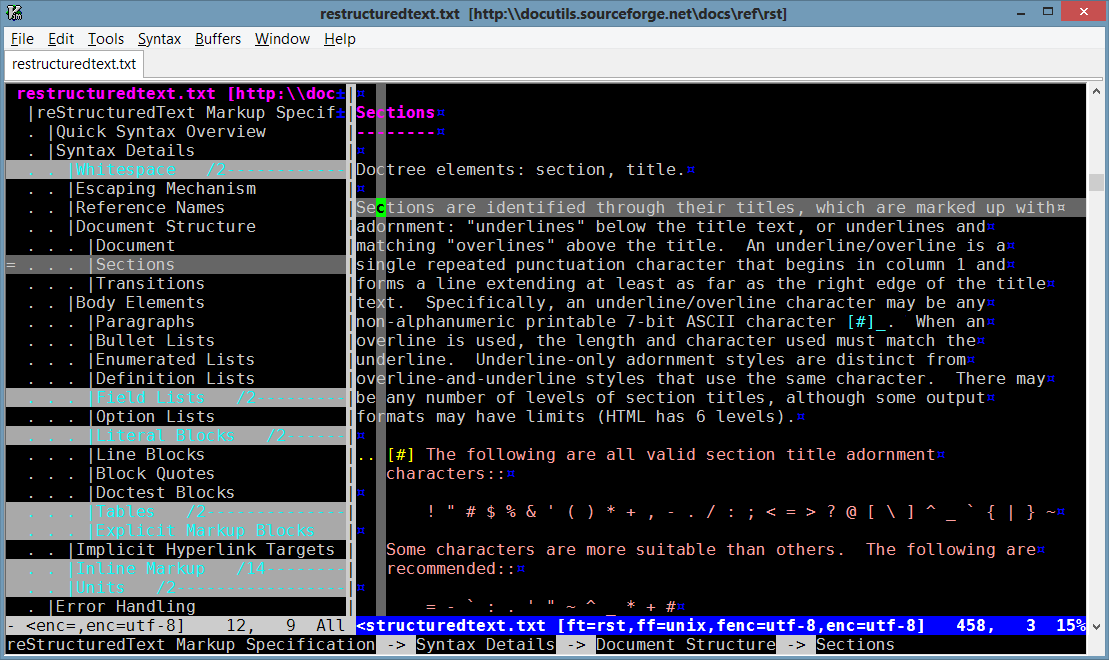
creates the outline from reStructuredText (reST) section titles.
This screenshot shows the source for reStructuredText specification available here.
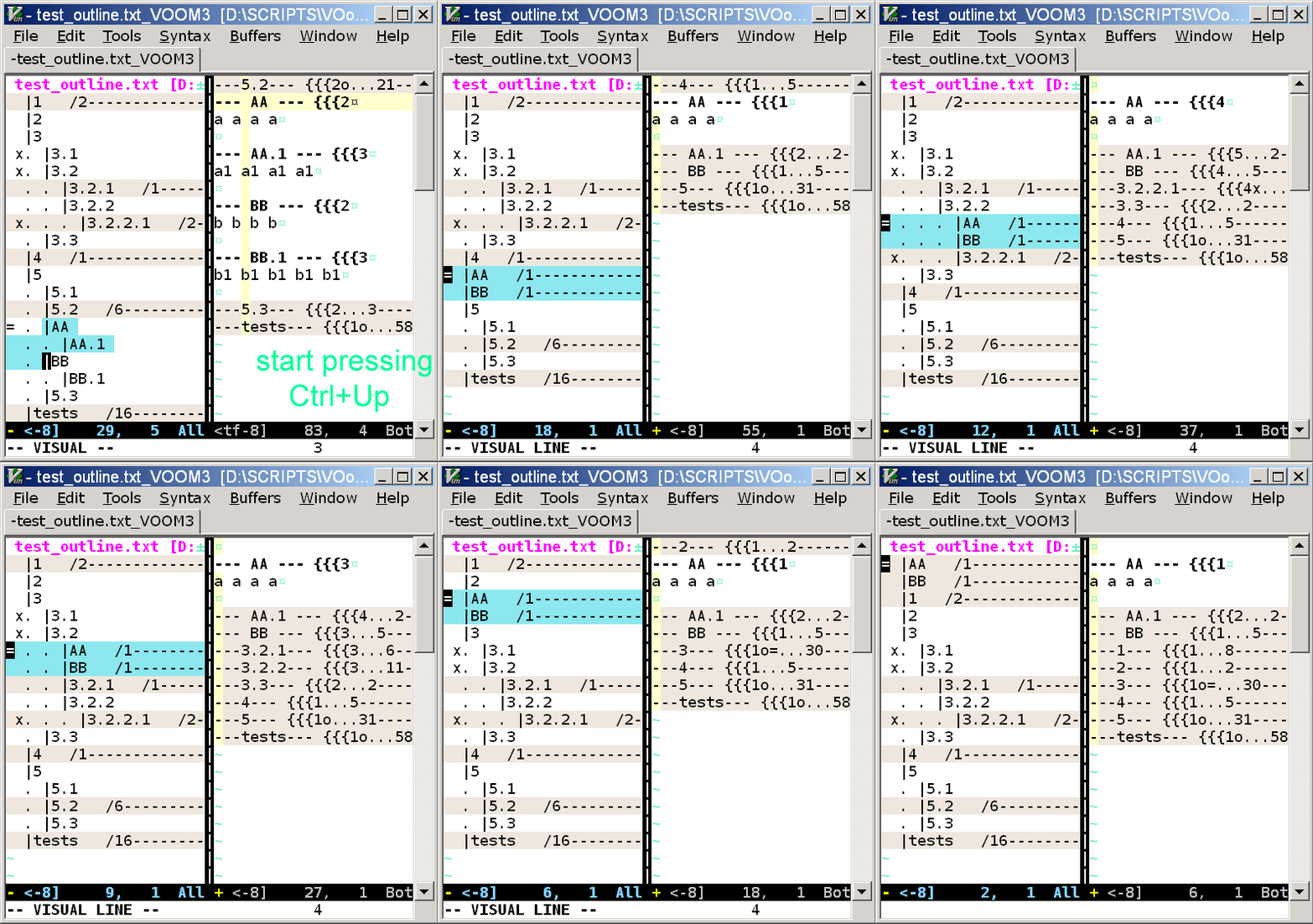
All major outline operations are supported and can be used to rearrange document sections.
The command line area shows the current node's UNL (Uniform Node Locator) as echoed by the command :Voomunl.
VOoM was originally written to work with
start fold markers with level numbers,
which is one of Vim's built-in folding methods and is the most versatile outline markup.
VOoM can currently handle a variety of markups, including popular
lightweight markup languages.
These markups have headlines (also called headings, headers, section headers, titles) and thus support an outline structure. VOoM can work with headlines in the following formats:
- Start fold markers with level numbers (:Voom).
This is the default or "fmr" mode: headlines are lines with {{{1, {{{2, {{{3, etc. Start fold markers are determined by Vim option 'fmr'. There are also variations of this mode: fmr1, fmr2, fmr3.
- MediaWiki (:Voom wiki).
- Vimwiki (:Voom vimwiki).
- DokuWiki (:Voom dokuwiki).
- Viki/Deplate (:Voom viki).
- Emacs Org-mode (:Voom org).
- reStructuredText (:Voom rest).
- Markdown (:Voom markdown).
Standard Markdown. Both Setext-style and Atx-style headers are supported.
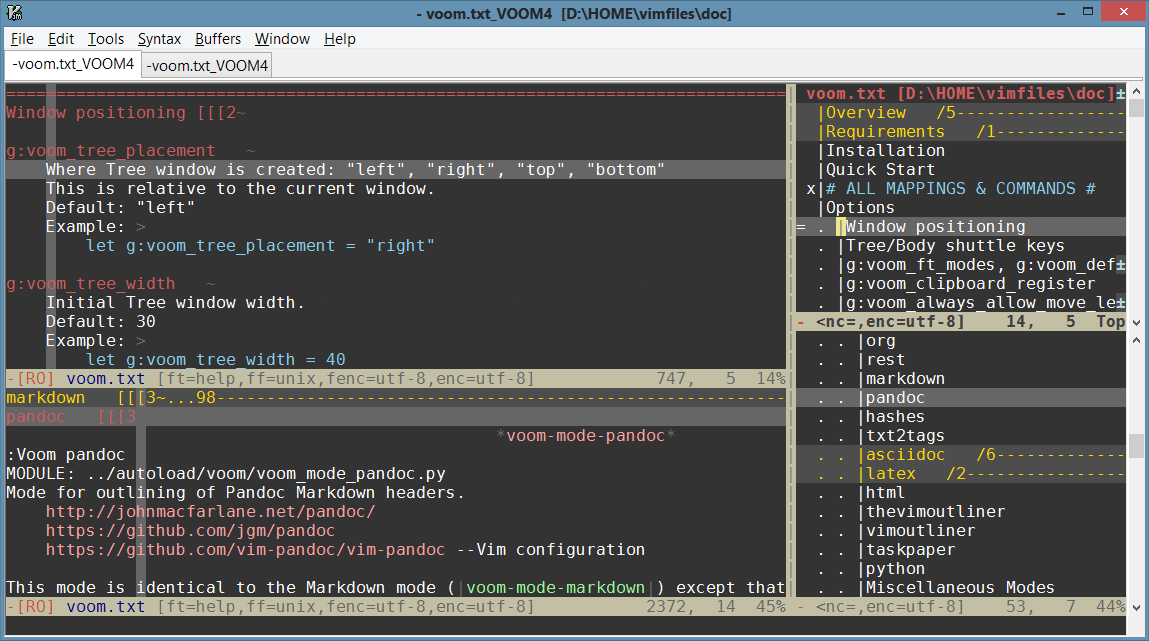
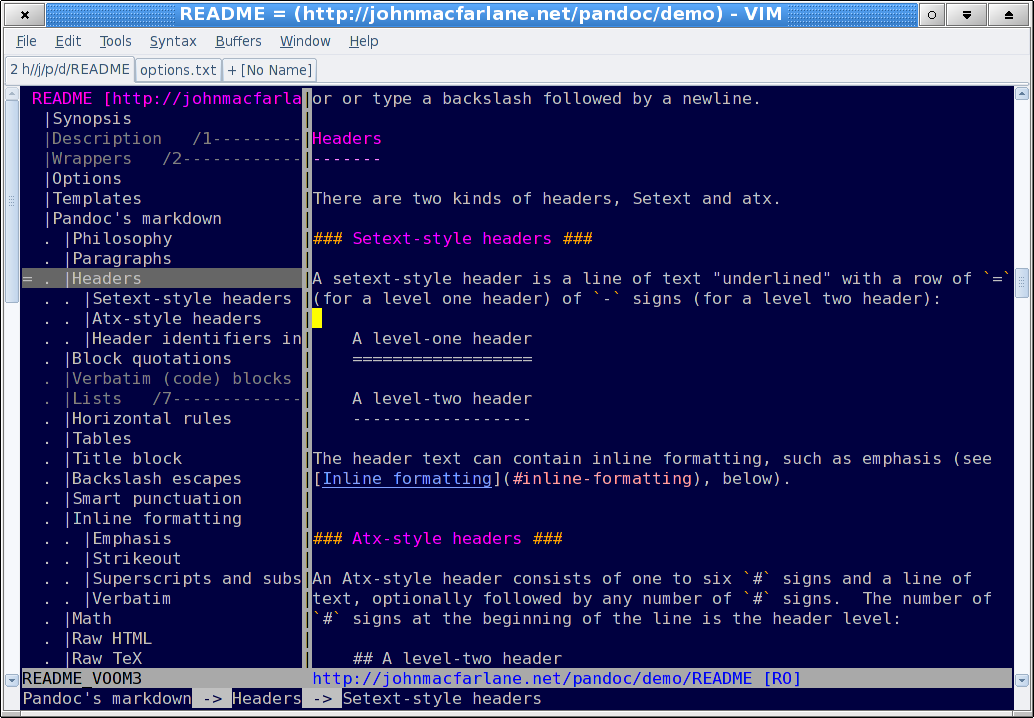
- Pandoc Markdown (:Voom pandoc).
This screenshot shows Pandoc README.
Headlines inside fenced code blocks are ignored, which makes this mode suitable for MultiMarkdown, GitHub Markdown, Markdown R, etc.
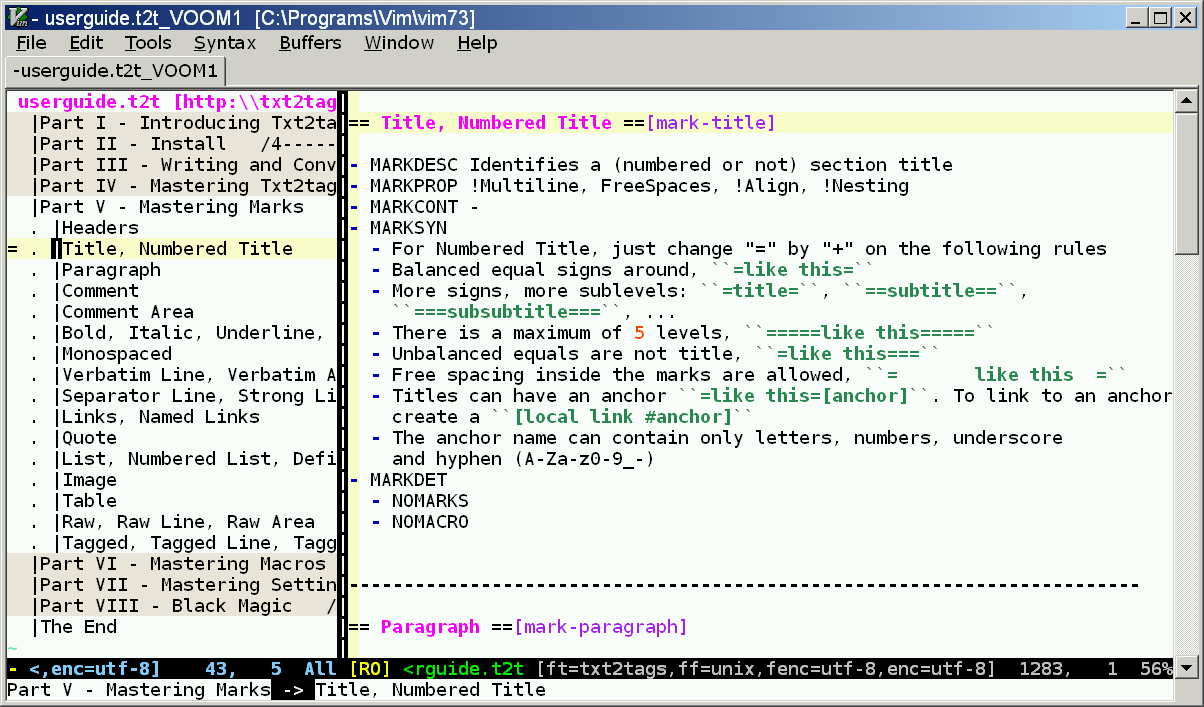
- txt2tags (:Voom txt2tags).
This screenshot shows txt2tags user guide.
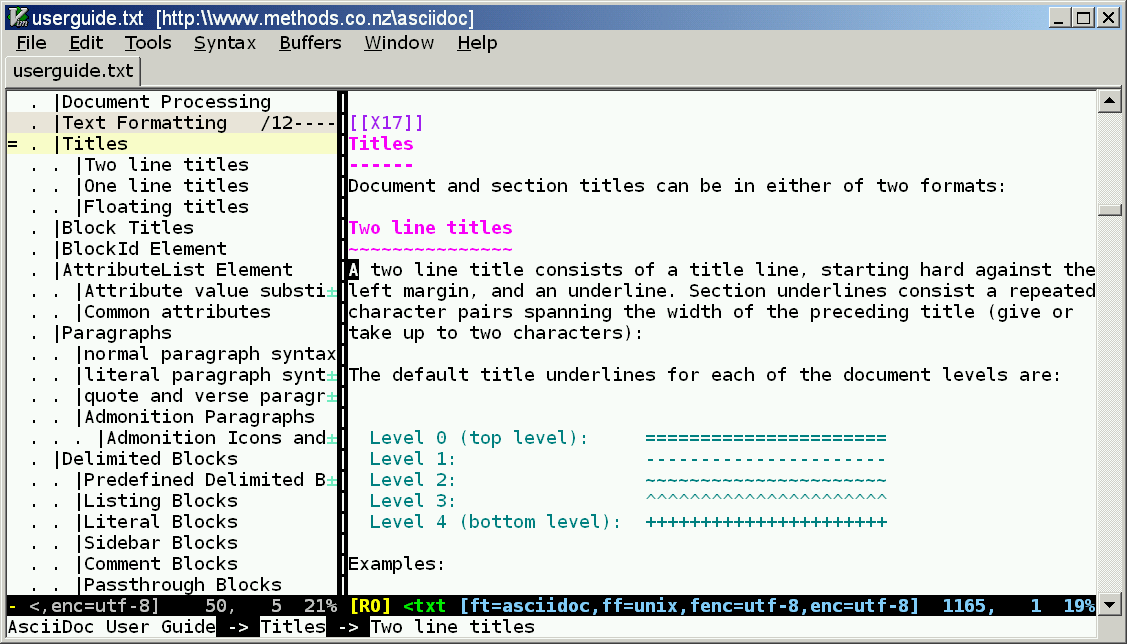
- AsciiDoc (:Voom asciidoc).
Both title formats are supported. This screenshot shows AsciiDoc user guide.
- LaTeX (:Voom latex).
This screenshot shows amshelp.tex.
- .dtx files (:Voom latexDtx).
Documented LaTeX sources.
- HTML heading tags (:Voom html).
Single lines only.
- The Vim Outliner (:Voom thevimoutliner).
- VimOutliner (:Voom vimoutliner).
- TaskPaper (:Voom taskpaper).
- Python code (:Voom python).
Like a class browser, but regions between "class" and "def" are also nodes.
- Paragraphs (:Voom paragraph{Blank|Indent|NoIndent}). Blocks of lines. Handy for sorting paragraphs with :VoomSort.
- Miscellaneous other formats, see help file.
NOTE: By default, the command ":Voom" is equivalent to ":Voom fmr"—outline is created from lines with {{{1, {{{2, {{{3, etc. The marker is specified by Vim option
'fmr'.
To outline another format, an argument specifying the desired markup mode must be provided.
For standard Markdown format:
:Voom markdown
For Pandoc Markdown:
:Voom pandoc
For LaTeX file:
:Voom latex
And so on. There is argument completion: type ":Voom " and press <Tab> or <C-d>.
See also help for g:voom_ft_modes and g:voom_default_mode.
|